
KaamFlow brings projects, communication and collaboration together in one simple workspace for teams, agencies, professionals and businesses.
By entering my email, I acknowledge the KaamFlow Privacy Policy
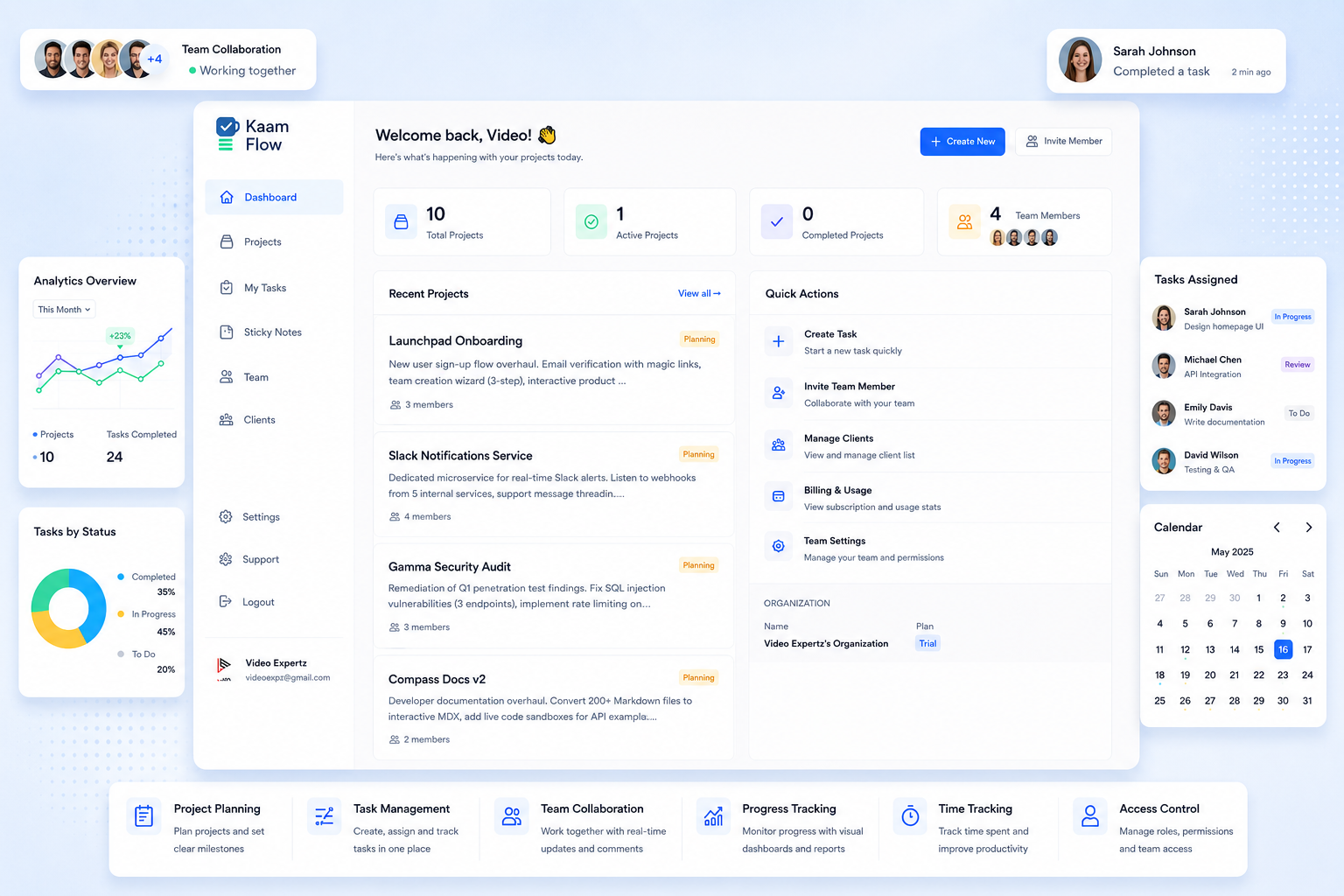
Tasks, approvals, client updates, files and planning, all in one place, without the clutter, extra steps or training.
 1:05
1:05
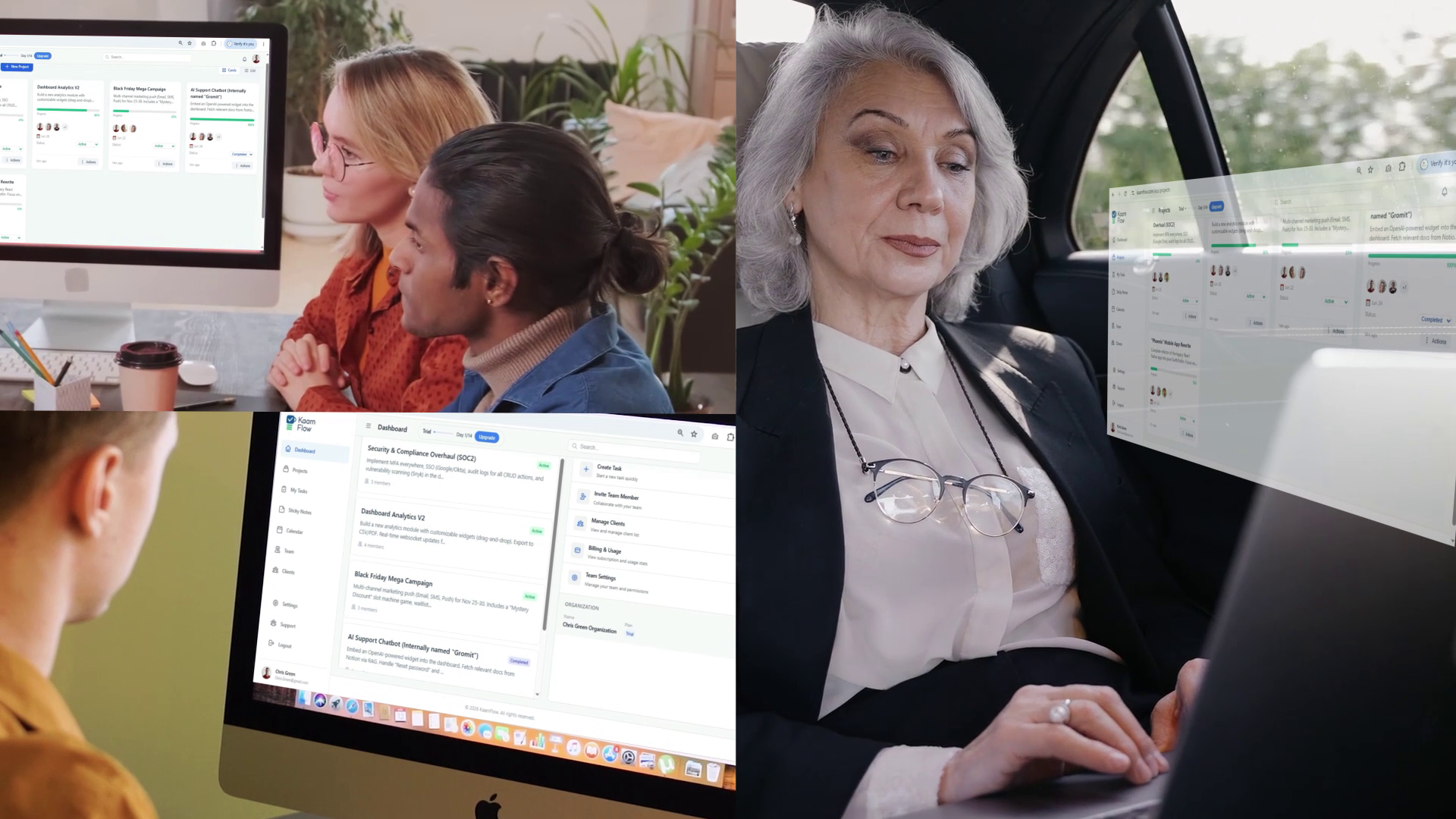
See how KaamFlow tackles the everyday problems that slow projects down — from missed deadlines and scattered files to unclear approvals and endless back-and-forth.
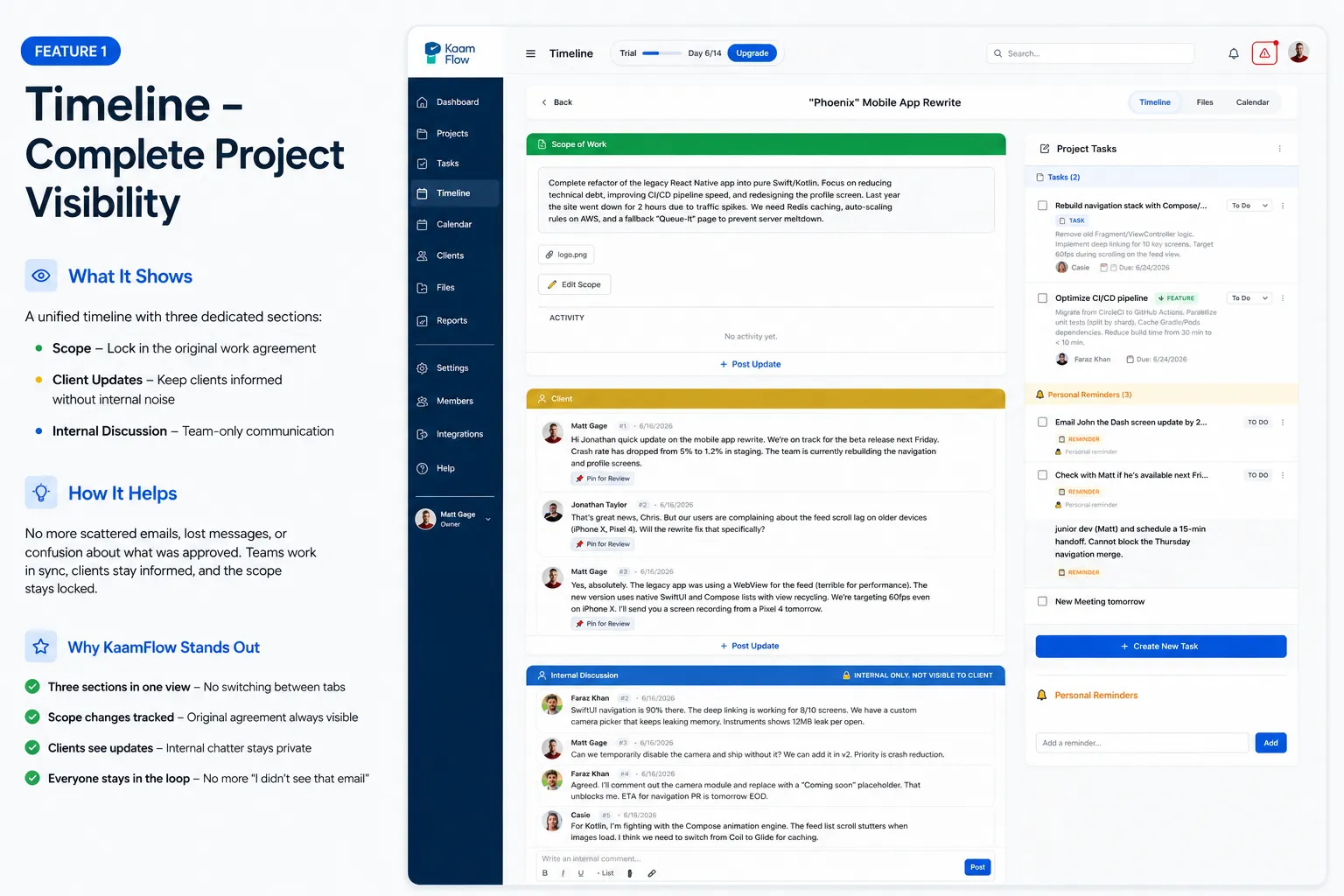
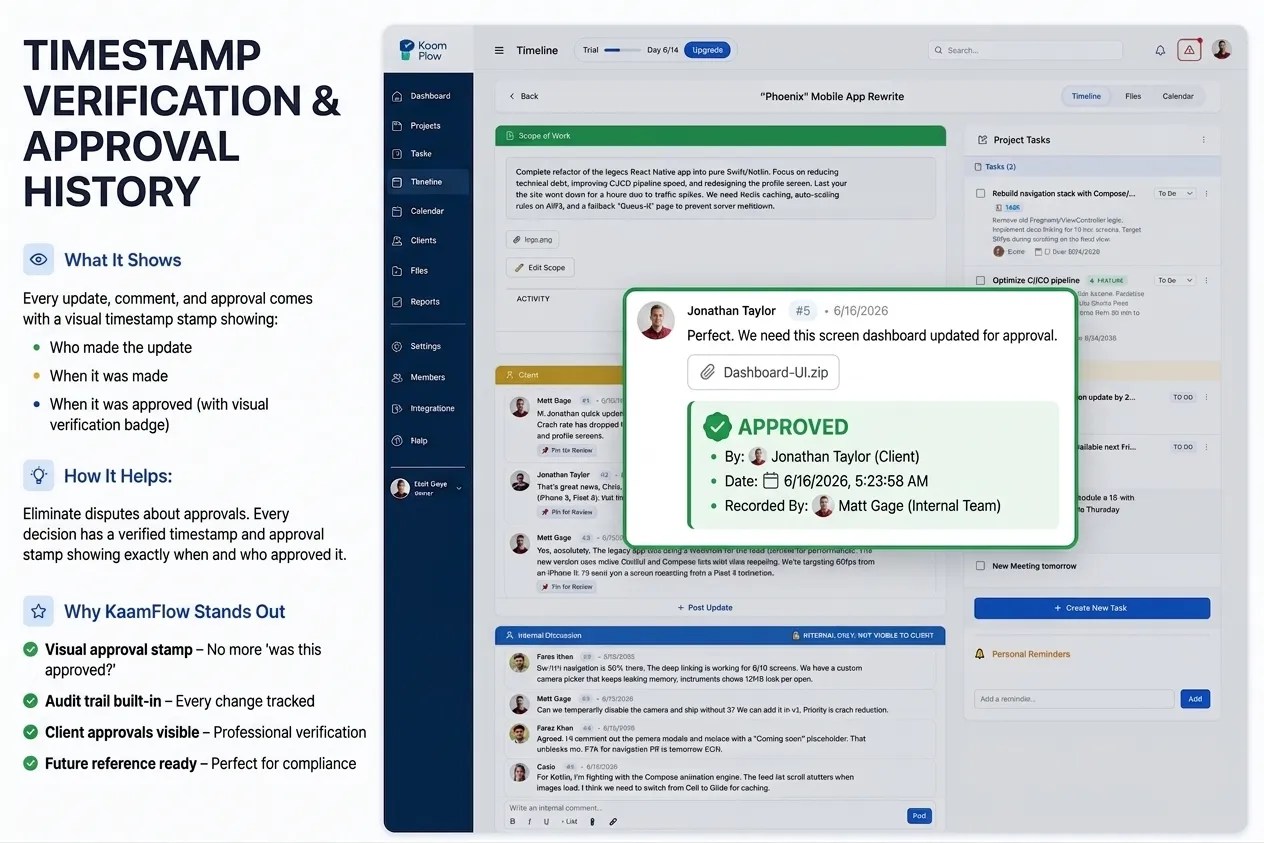
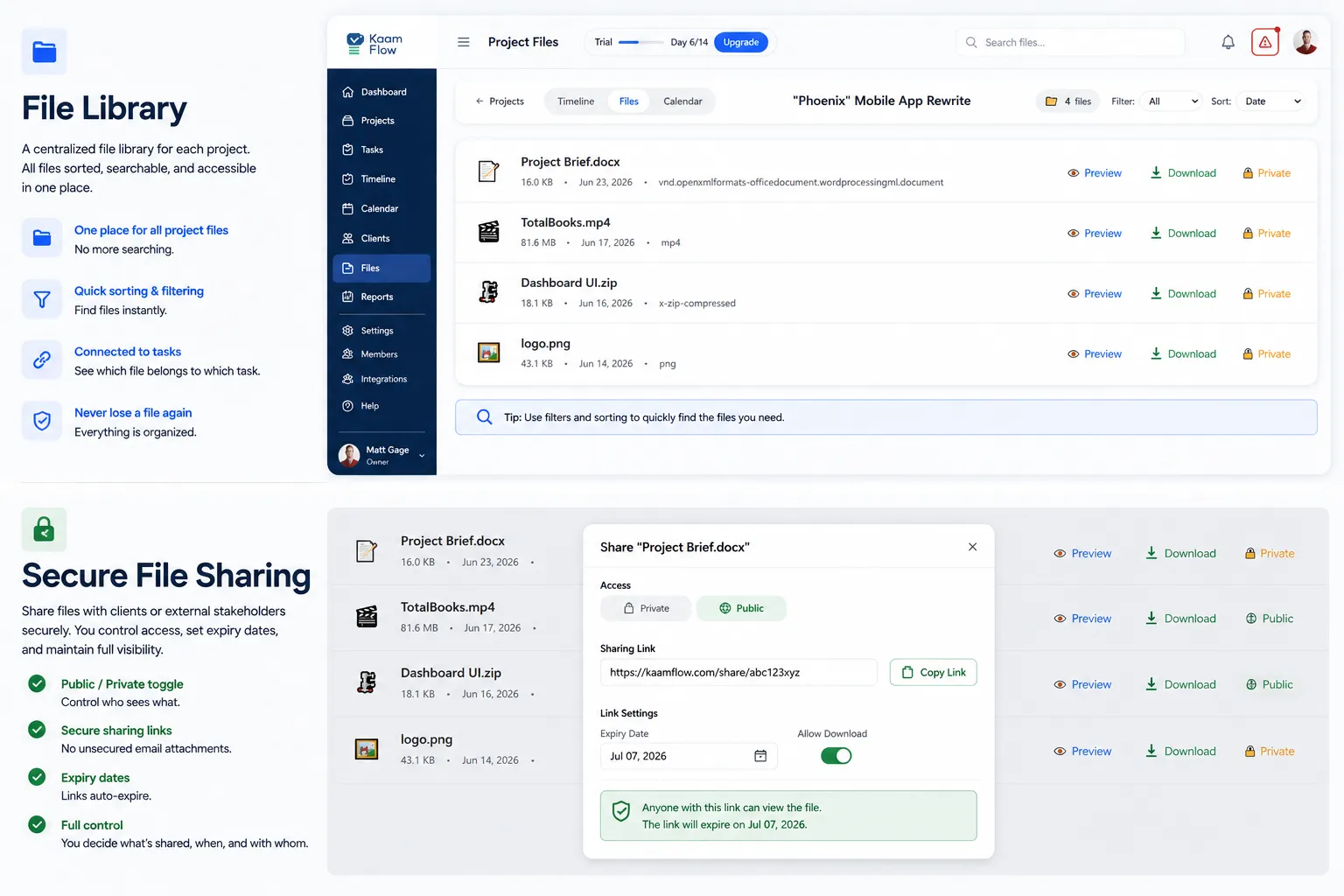
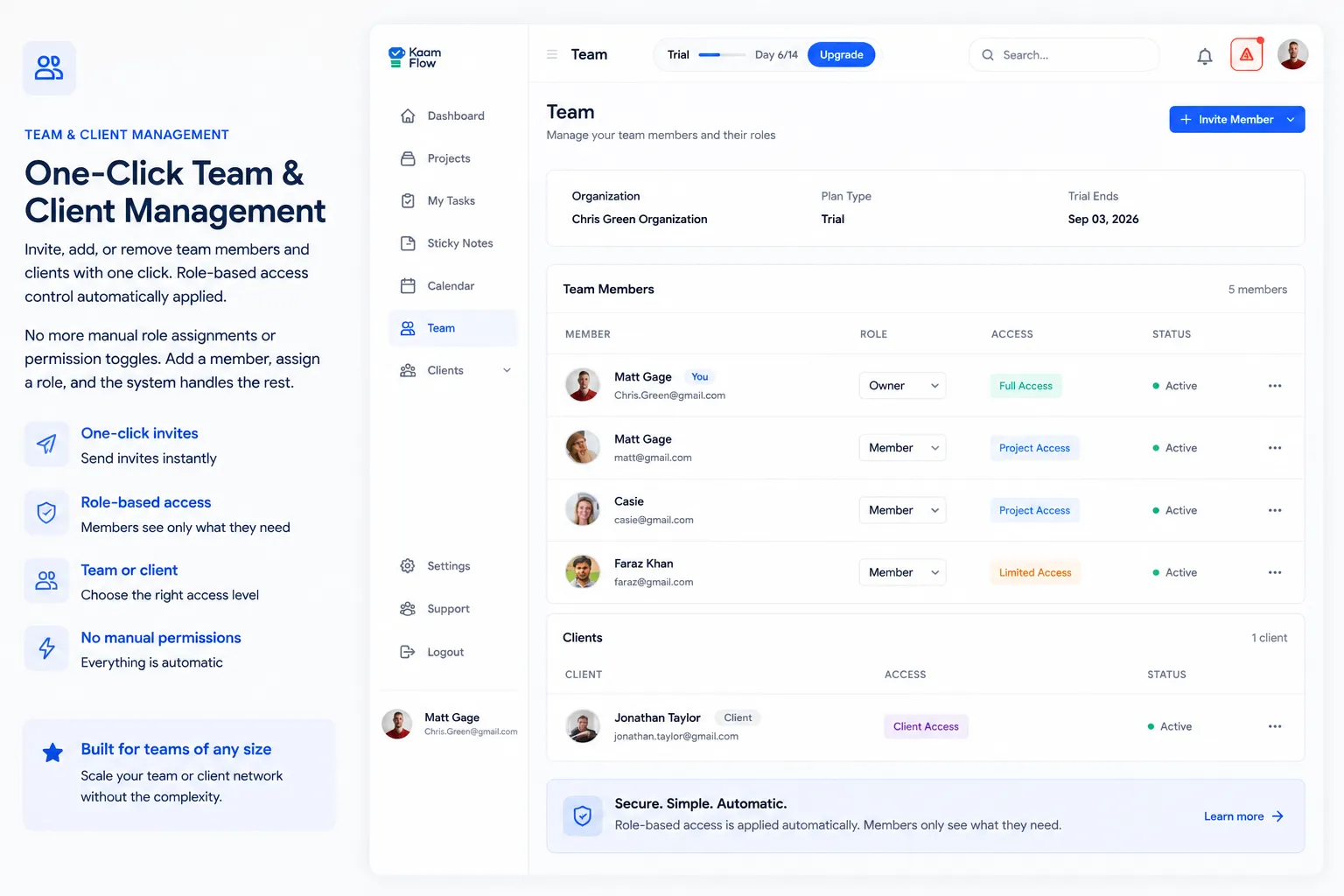
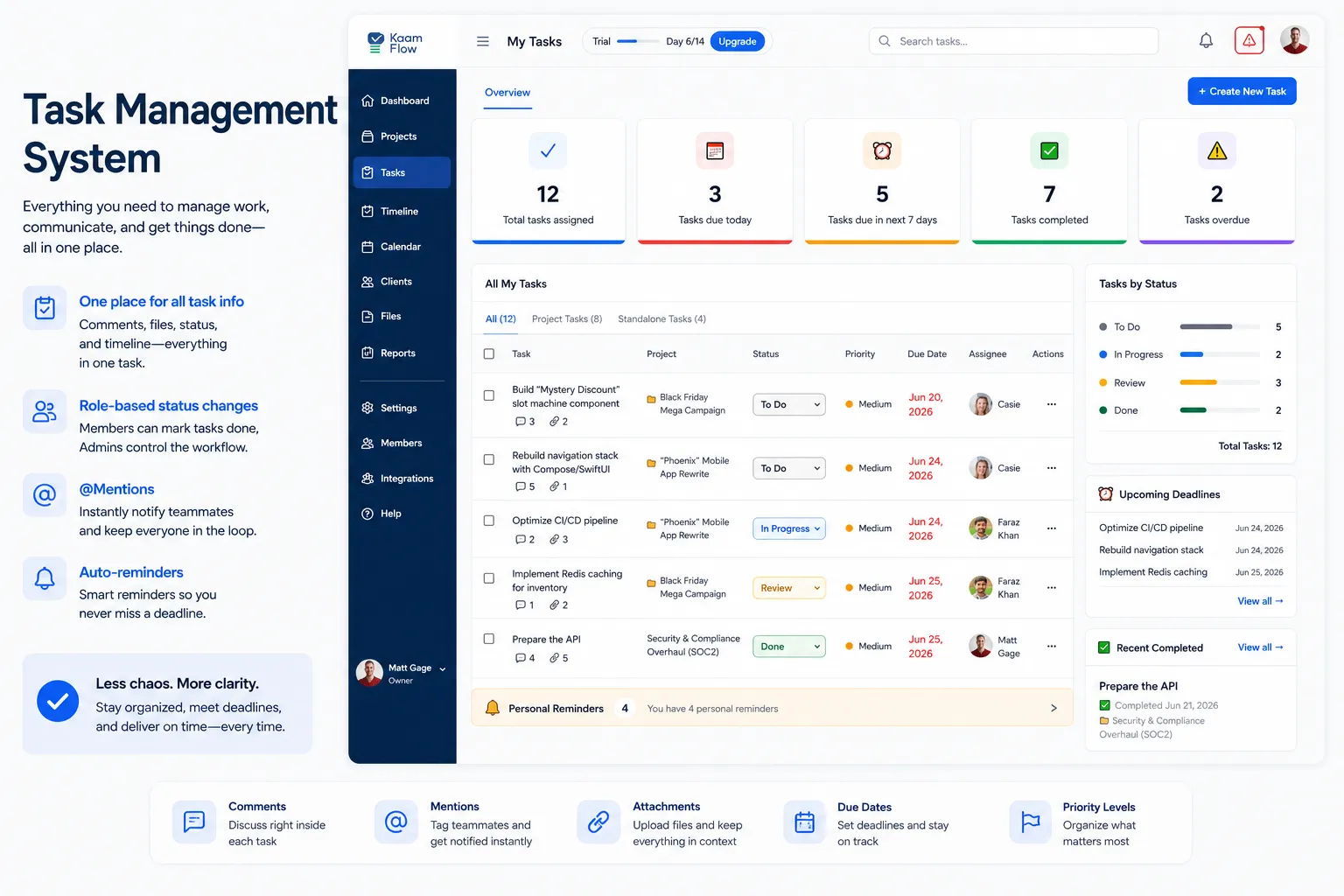
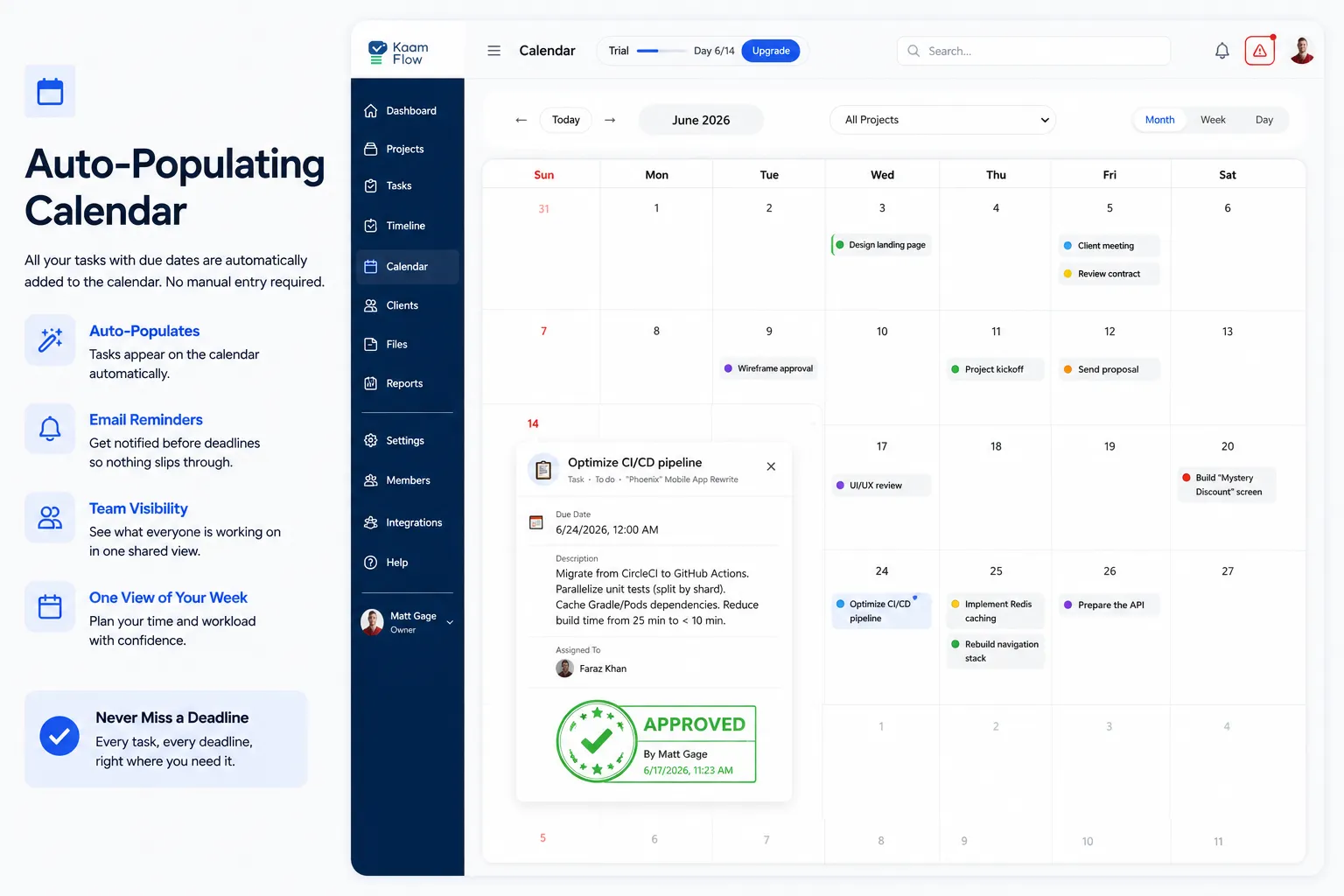
Client approvals get lost in emails.
Timeline + Approval History
KaamFlow keeps your work organized without overwhelming you. Everything from ideas to deadlines stays in one neat, easy-to-use workspace.
Capture tasks instantly. Whether it's an idea, reminder, email note, or client message drop it into your Inbox and organize it later.
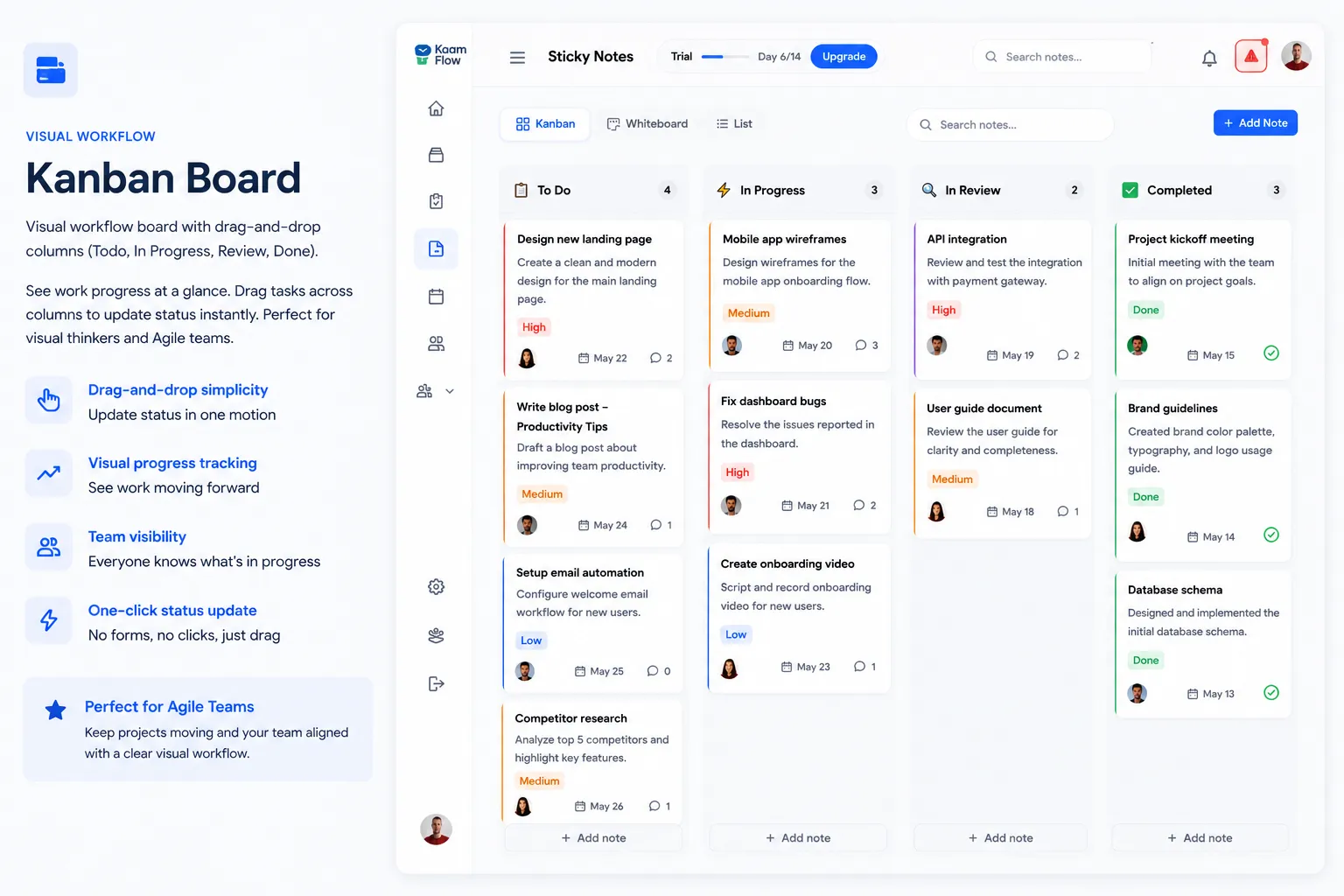
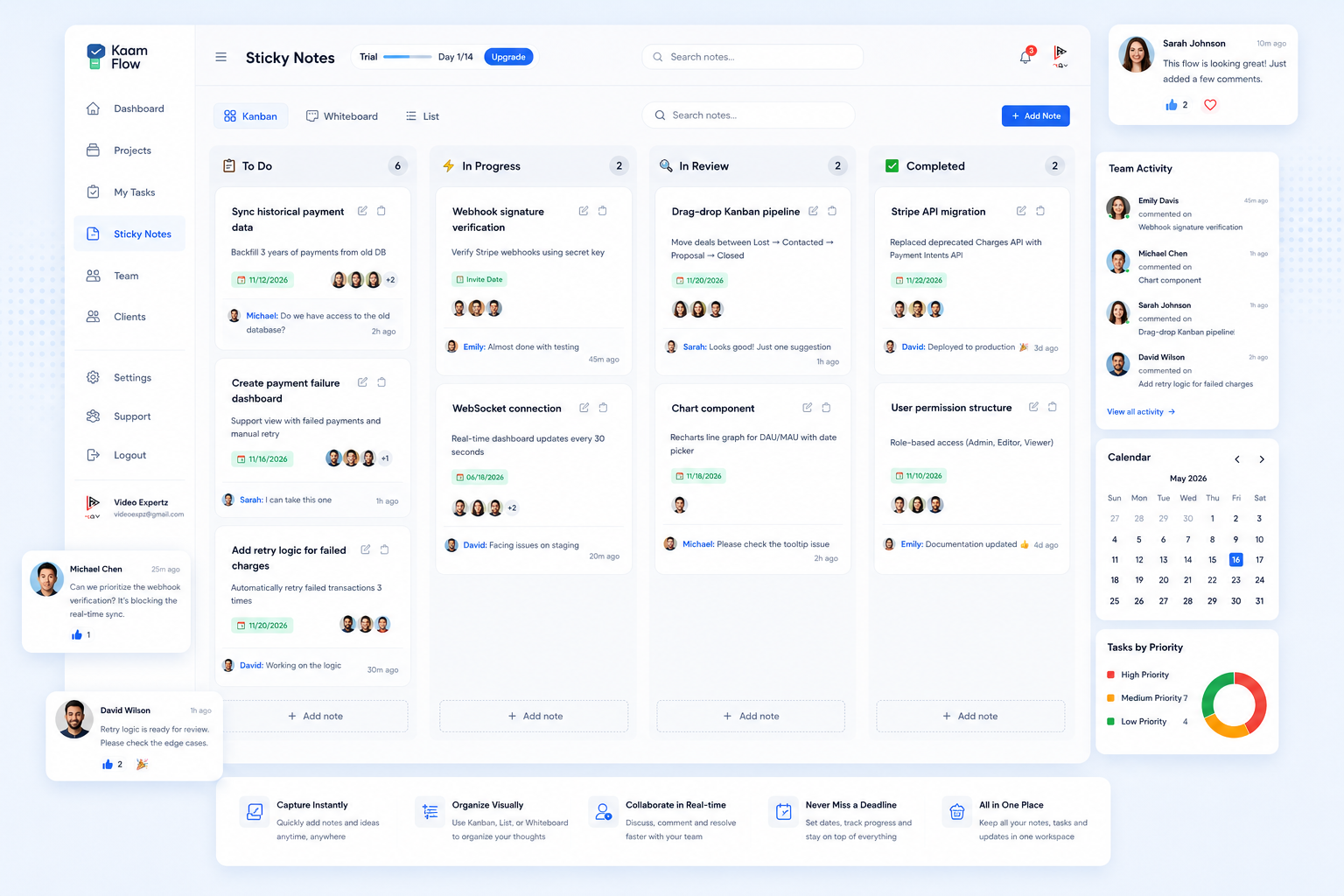
Turn your workload into a manageable flow. From "To Do" → "In Progress" → "Done" see your work move visually and clearly.
Drag, drop, done. Turn tasks into scheduled events by dragging them directly into your calendar.
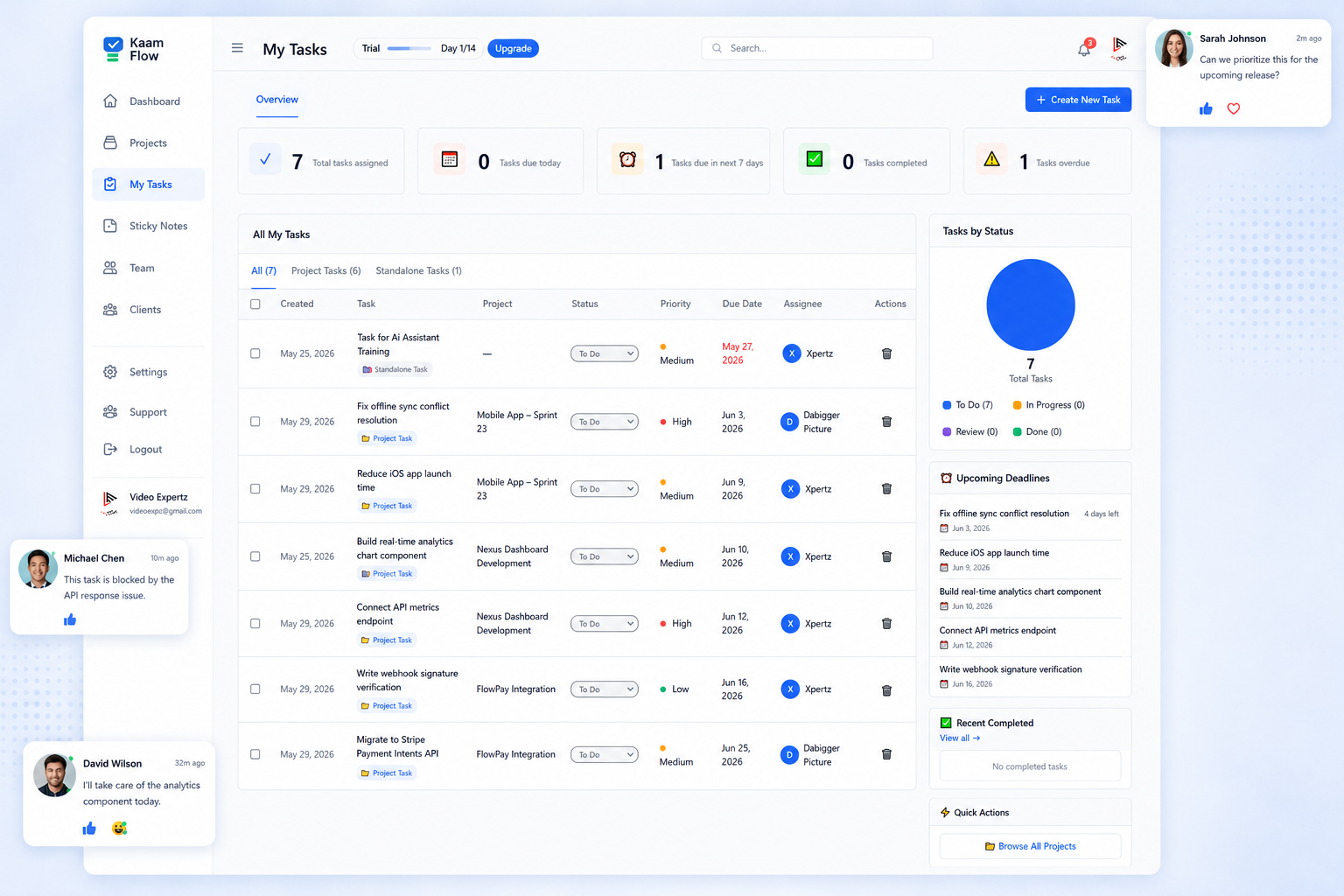
Create tasks instantly. Whether it's an idea, reminder, email note, or client message drop it into your Tasks section and organize it later.
Your digital brain dump that keeps you focused on what matters right now. Quick-add functionality lets you capture thoughts without breaking your workflow.
Turn your workload into a manageable flow. From "To Do" → "In Progress" → "Done"—see your work move visually and clearly.
Soft colors, smooth edges, and intuitive drag-and-drop make project management feel effortless. Customize columns to match your workflow exactly.
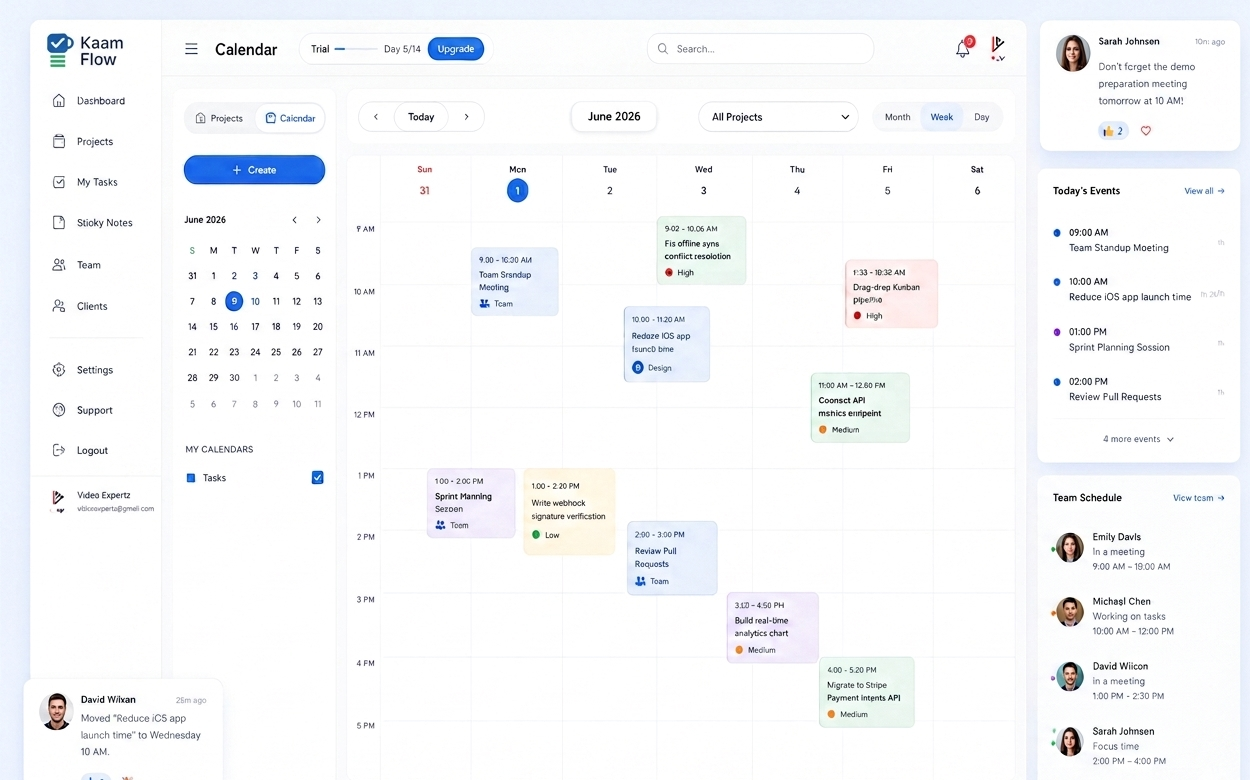
Drag, drop, done. Turn tasks into scheduled events by dragging them directly into your calendar.
A weekly calendar with colored task blocks placed neatly so you can visualize your week at a glance. Time blocking made simple and intuitive.
Powerful features that help you spend less time figuring out things and more time getting the work done.
Bring your existing tools into KaamFlow Drive, Gmail, Slack (future), and more. Connect everything in one place with seamless synchronization.
Lightweight automation: Auto-reminders, auto-filing tasks by tags, auto-moving "Due Today" tasks. No coding, no complexity, just efficiency.
Mirror a task across multiple boards or projects. Change once → updates everywhere. Your big USP compared to Trello/Jira.
Start your free trial with full access to KaamFlow. No credit card required, no feature restrictions, and no complicated setup to get started.
By entering my email, I acknowledge the KaamFlow Privacy Policy